TechGlass Mint
A dark green glass desktop for Linux Mint, and a small app that lets you make it yours.
This is the live wallpaper from the desktop. Click anywhere on the water to send a ripple through it.
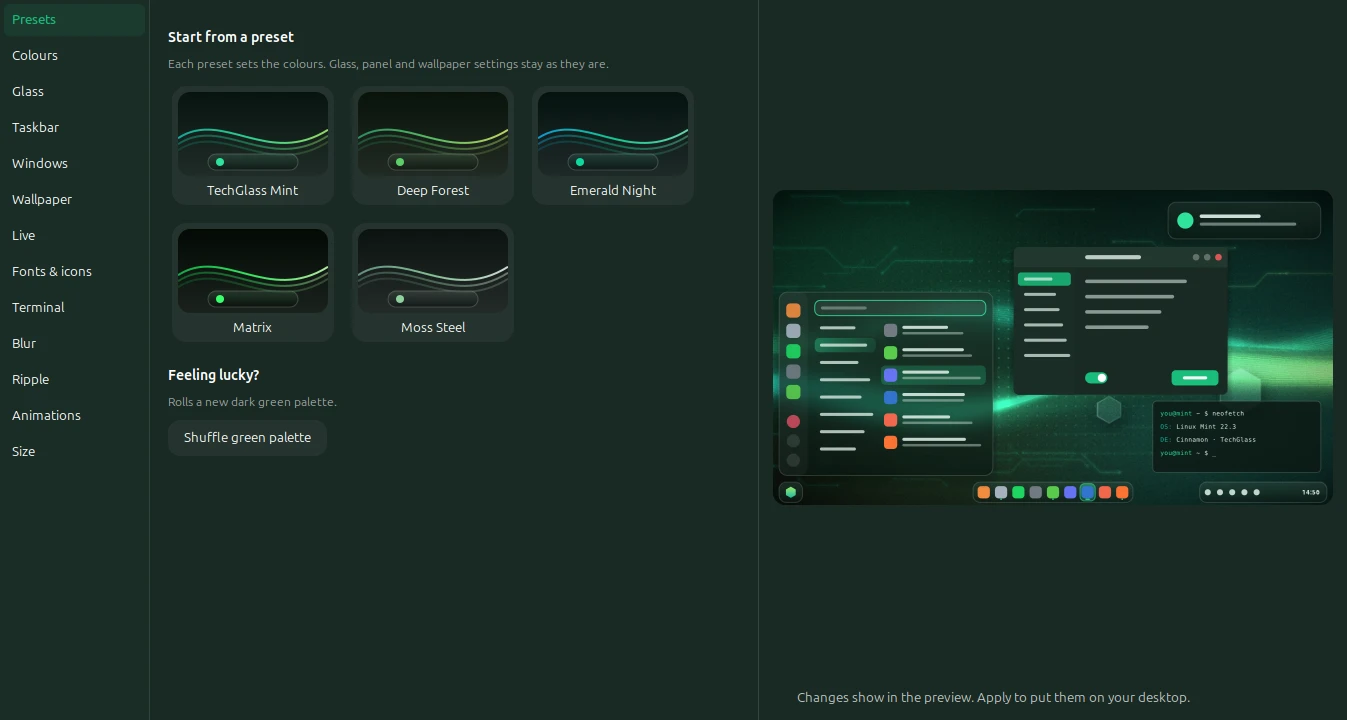
Pick a mood, keep the glass
Five palettes come with it, from the bright green of Matrix to the quiet grey of Moss Steel. The wallpaper is drawn from whichever one you choose, so it always matches the panel and your apps.
Try them here. This page changes along with you.
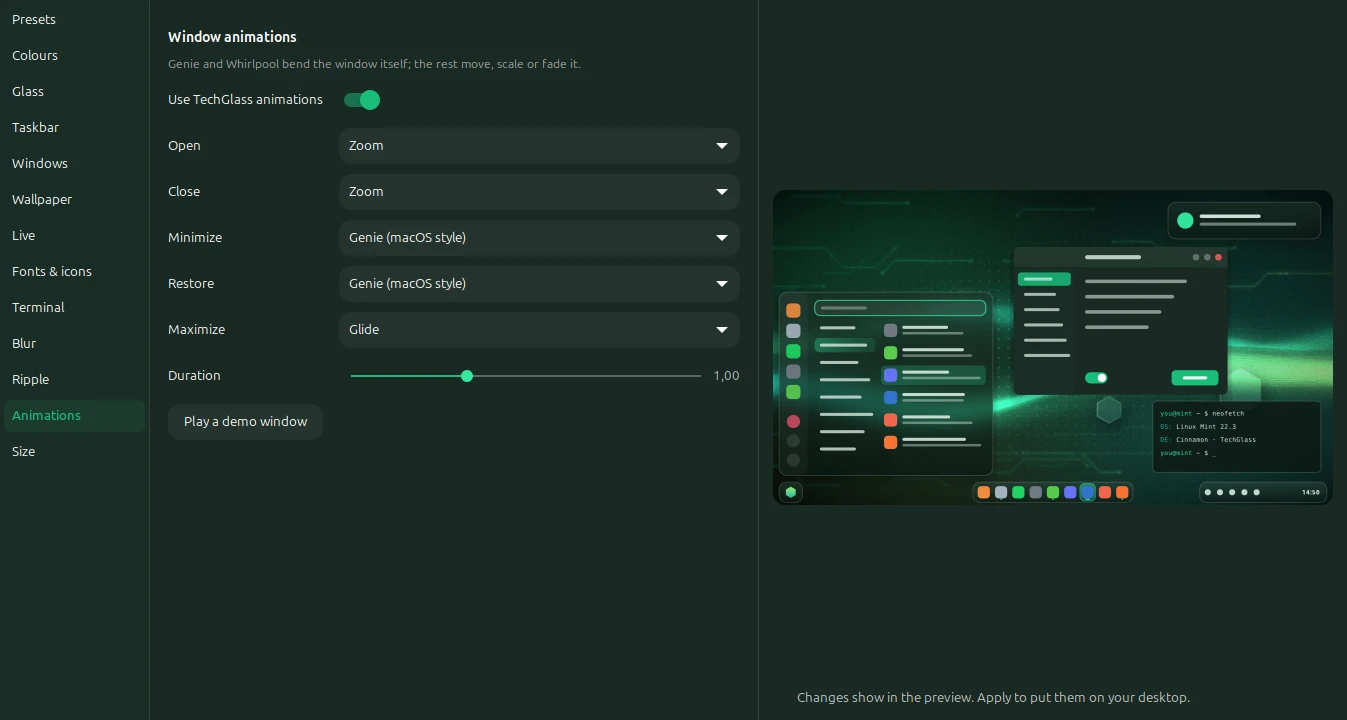
Minimize like you mean it
The genie pours a window into its panel button. The whirlpool twists it down a drain. Both bend the window itself instead of just shrinking it.
You can set a different one for opening, closing, minimizing, restoring and maximizing, and there are a few more in the app: drop and bounce, fall away, 3D flip, unfold.
This demo runs the same maths as the desktop version.
Everything in one window
TechGlass Studio has a page for each part of the desktop. Its preview updates as you go, and nothing on your actual desktop changes until you press Apply.
What it changes
- The taskbar
- Floating glass pills, a centre dock or a full-width bar, at the top or the bottom. Pick the shape, the tint, how running apps are marked, and let the icons grow under the pointer like a dock.
- Menus and popups
- Rounded glass with a mint search box. With Blur Cinnamon installed they really blur whatever is behind them.
- Your apps
- GTK 3, GTK 4 and libadwaita apps pick up the same dark green and accent colour.
- The wallpaper
- Drawn from your colours: circuit traces, glowing strands and frosted hexagons. Shuffle it until you like it, or use your own picture.
- A live wallpaper
- Data pulses run along the traces, light flows down the strands, glints cross the glass and fireflies drift past. It stops drawing while windows cover the desktop.
- Clicking the desktop
- A water ripple runs through the wallpaper. You decide which button, whether it needs a double click and whether a key has to be held.
- Size
- One slider makes the text, cursor, panel, icons and menu bigger together. Each one can still be set on its own.
- The terminal
- kitty gets a matching colour scheme and a see-through background.
- Undo
- The first Apply saves your old setup. One click in the Studio puts it all back.
$ git clone https://huggingface.co/spaces/EHS-Studio/techglass-mint
$ cd techglass-mint
$ bash install.sh
Install it
You need Linux Mint 21 or newer with Cinnamon 6. It was made on Mint 22.3. Run the three lines on the left, or download the zip and run bash install.sh from inside it.
Then open TechGlass Studio from your menu, choose a look and press Apply. Nothing outside your home folder is touched.